¶ Format
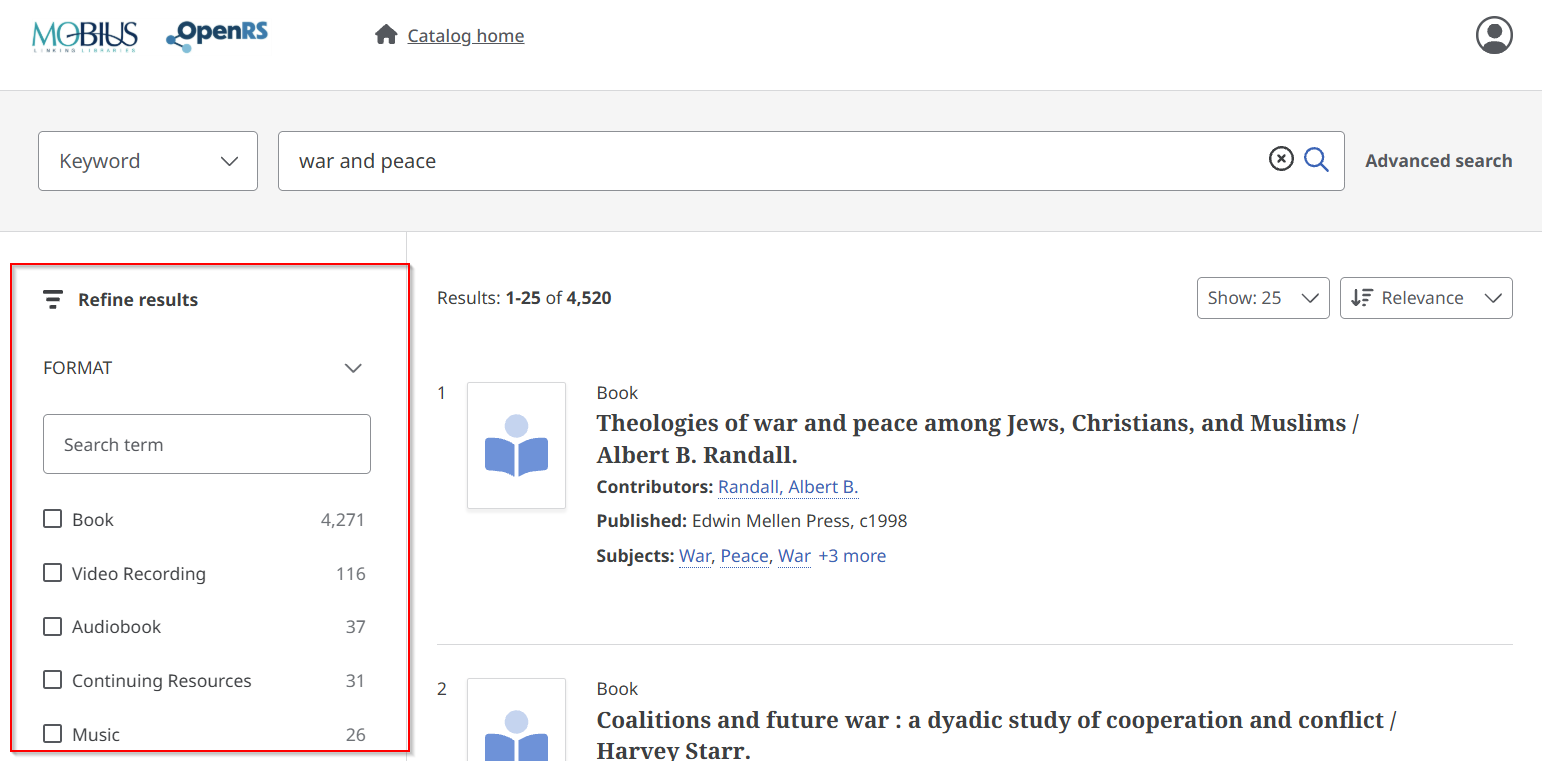
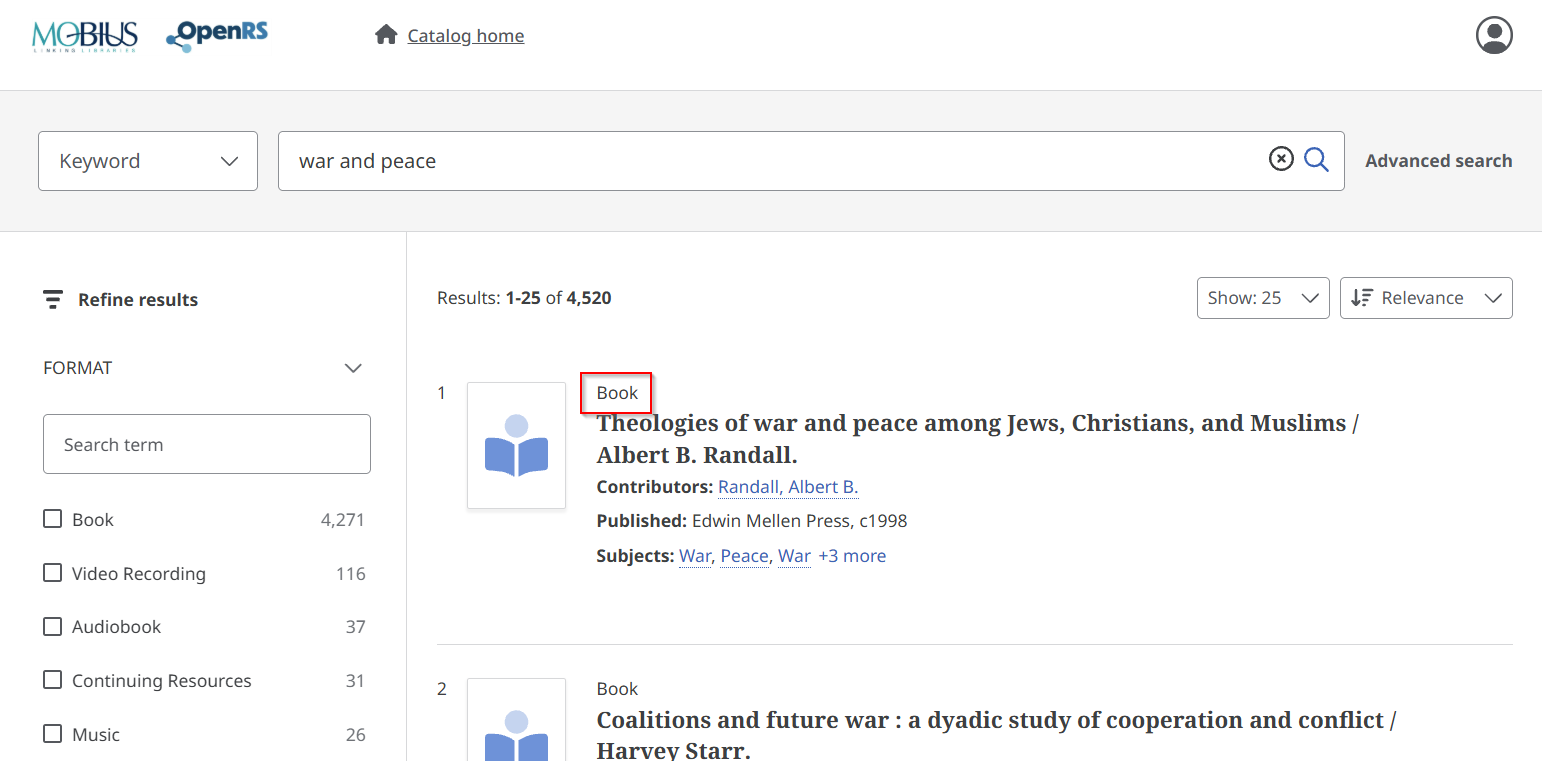
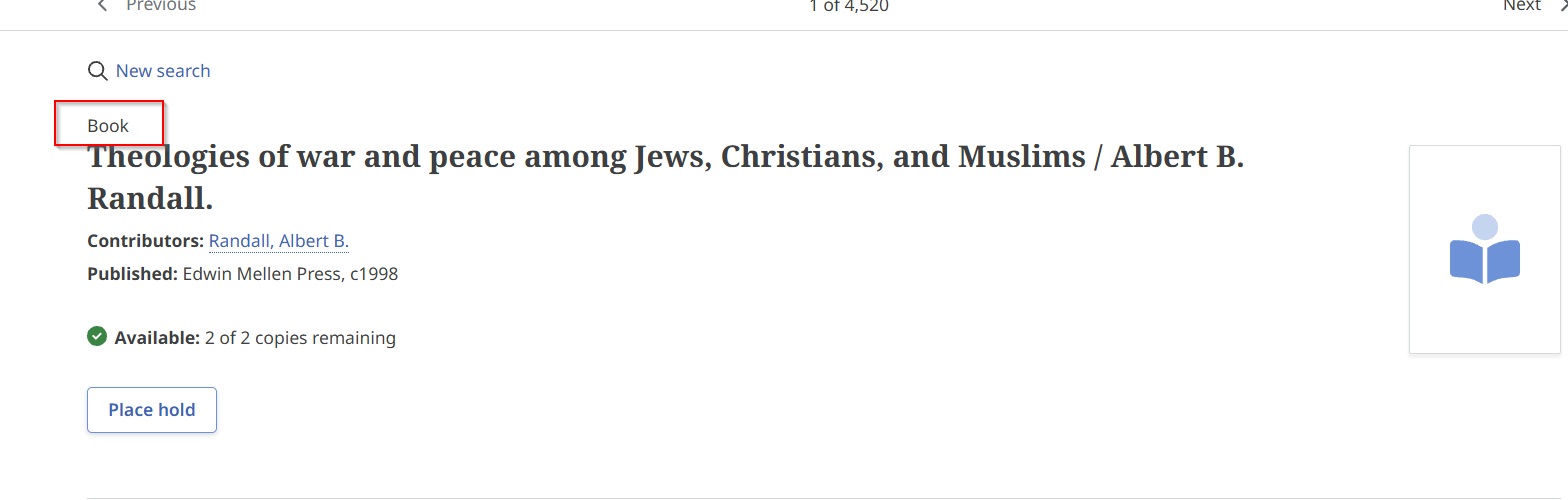
Format appears in three places in OpenRS:
1. On the main search page, on the left hand side, under Refine results:
2. In the Search results, directly above the individual entries:
3. In the record display, directly above the title:
Format is mapped from the MARC Leader byte 06 (Type) and in some cases, additionally, from the MARC Leader byte 07 (Bib Level), according to the algorithm detailed below.
| Leader Byte 06 (Type) | Leader Byte 07 (Bib Level) | OpenRS Format Display |
| a – Language material | a – Monographic component part | Book |
| a – Language material | c – Collection | Book |
| a – Language material | d – Subunit | Book |
| a – Language material | m – Monograph/Item | Book |
| a – Language material | any other value | Continuing Resources |
| c – Notated music | n/a | Notated Music |
| d – Manuscript notated music | n/a | Notated Music |
| e – Cartographic material | n/a | Maps |
| f – Manuscript cartographic material | n/a | Maps |
| g – Projected medium | n/a | Video Recording |
| i – Nonmusical sound recording | n/a | Audiobook |
| j – Musical sound recording` | n/a | Music |
| k – Two-dimensional nonprojectable graphic | n/a | Visual Material |
| m – Computer file | n/a | Electronic Resource |
| o – Kit | n/a | Kit |
| p – Mixed materials | n/a | Mixed Material |
| r – Three-dimensional artifact or naturally occurring object | n/a | Object |
| t – Manuscript language material | n/a | Book |
| any other value | n/a | Unknown |
¶ Location
¶ Publisher
¶ Contributor
¶ Organization
¶ Language
¶ Subject