¶ Linking Authority Records to SRS Headings in quickMARC
Linking variable-length fields to authority records in FOLIO allows for automatic updates of the variable-length fields in the SRS record. If the Main Entry of the authority record changes, either from a manual edit or a Data Import overlay, SRS headings that are linked to the authority record will automatically be updated.
The link icon to the right of some variable-length fields allows you to link these fields to authority records in FOLIO. Clicking on the link icon will cause an authority search modal to appear.

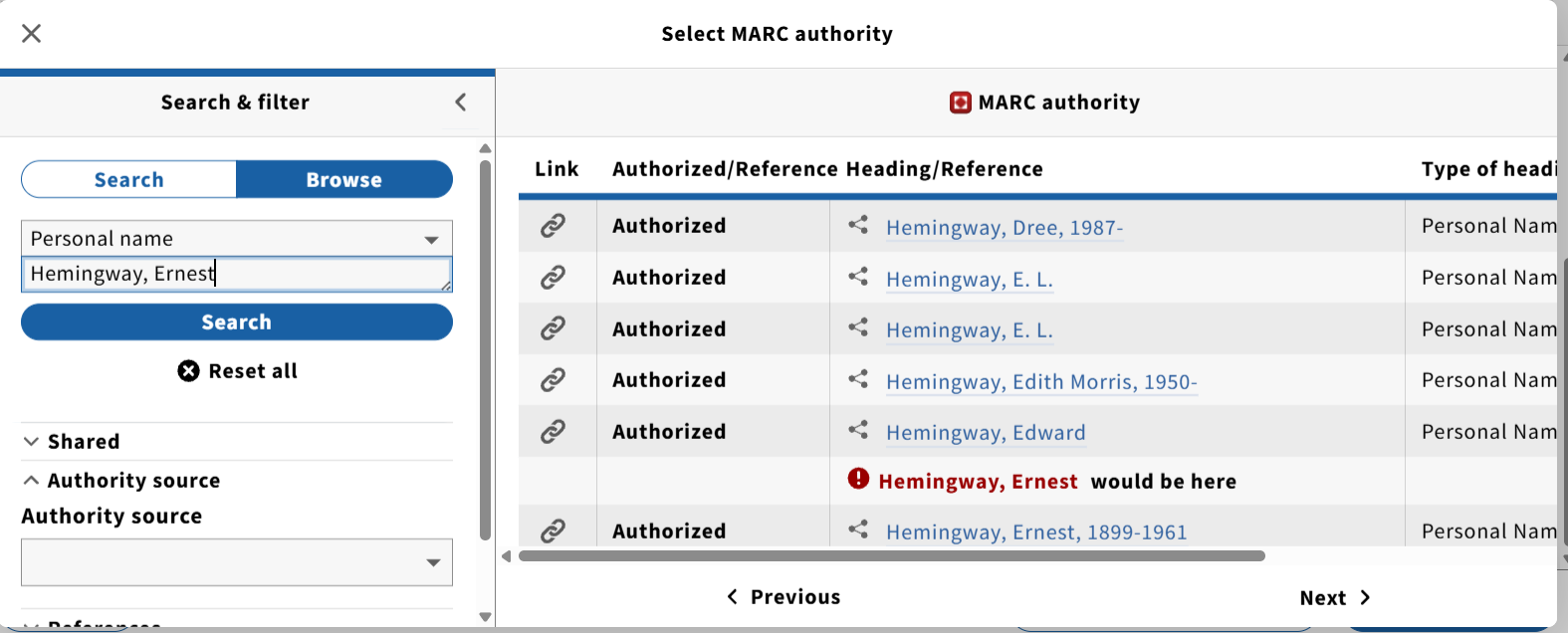
The heading as it appears in the variable-length field being linked from will automatically be passed through as a search in the authority search modal. If no authority record matching that heading is found, the search modal may be used to find the correct authority record.
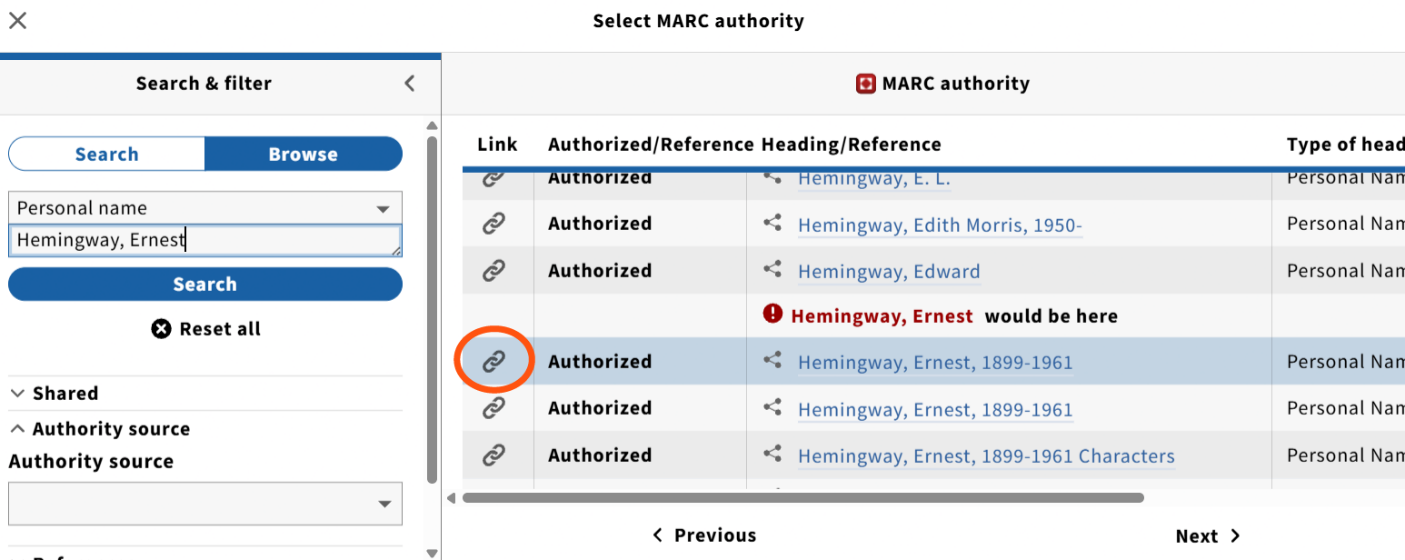
Authority records may be linked via the browse screen in the authority search modal by clicking on the link icon to the left of the authority heading in the browse screen.
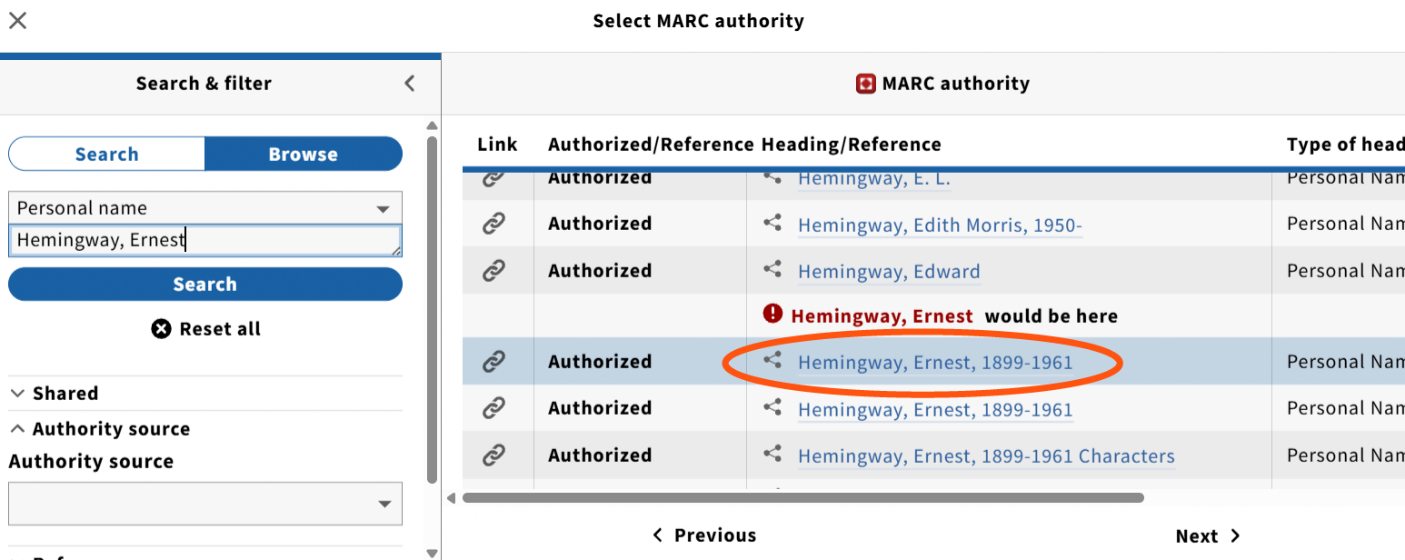
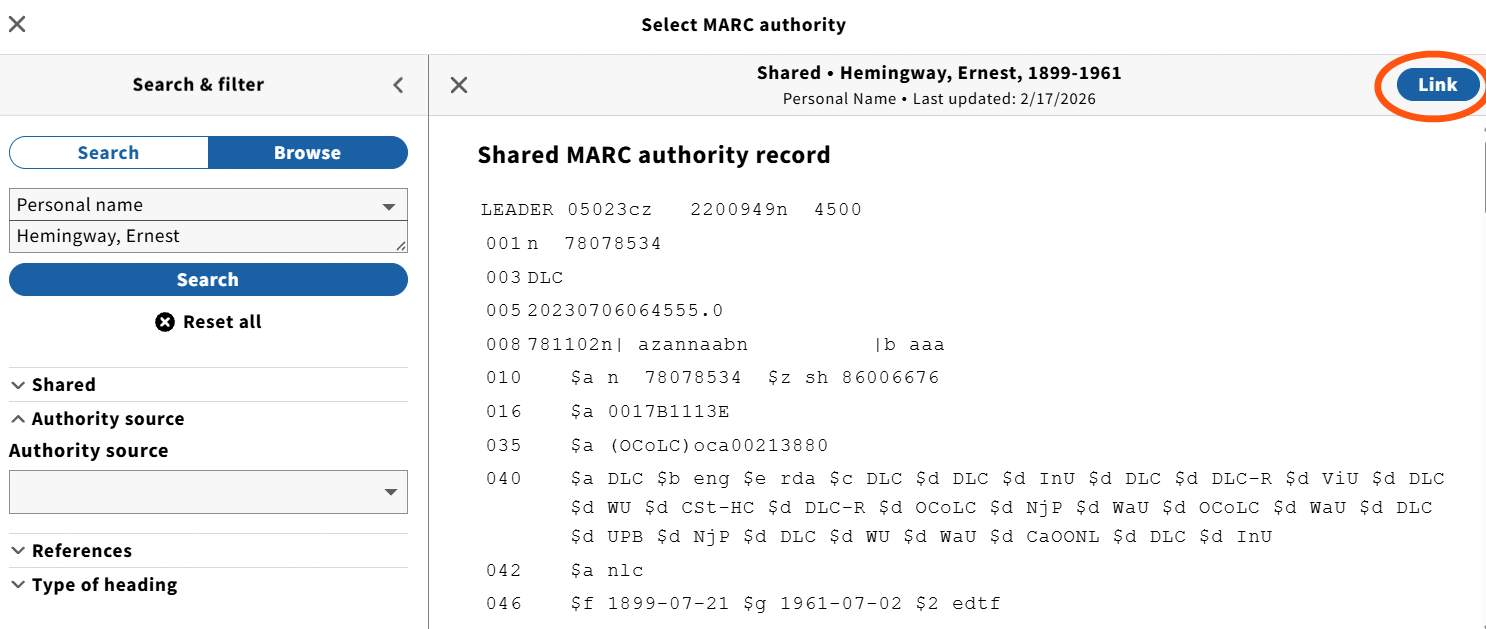
Alternately, authority records may be viewed in the search modal by clicking on the heading in the modal.
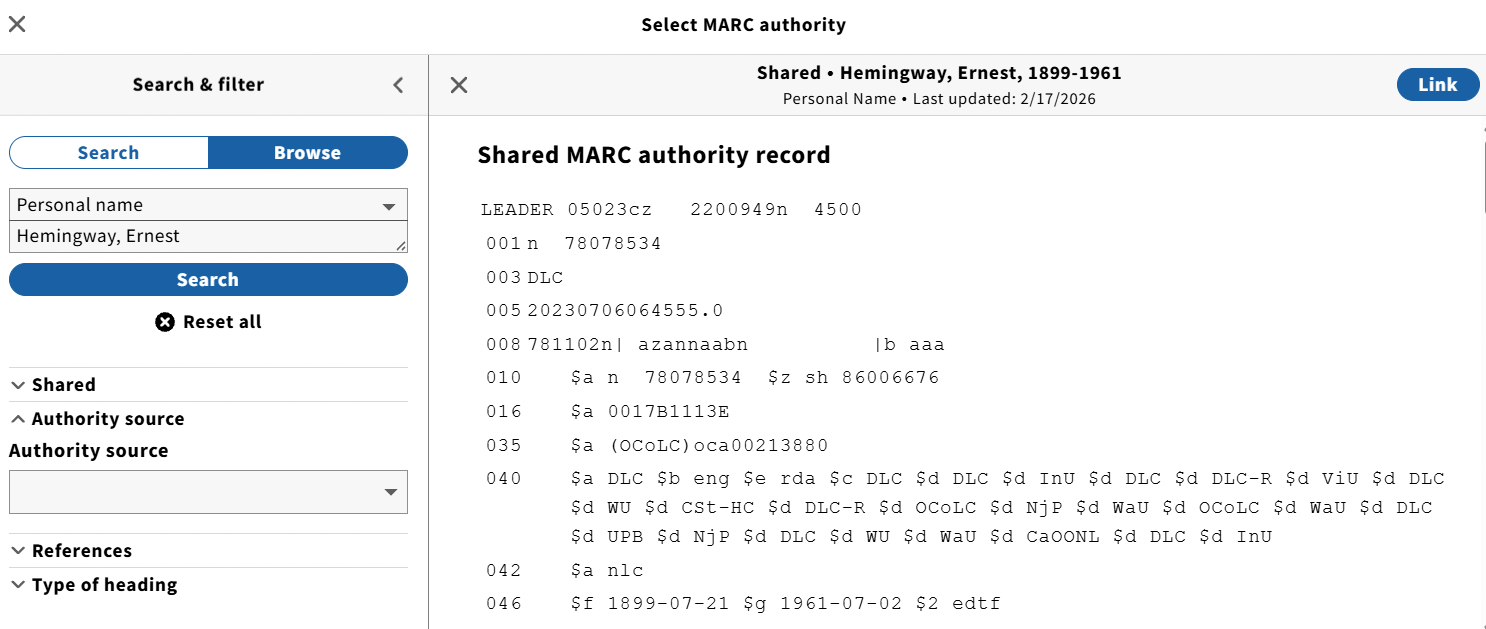
The authority record may be linked from the view mode by clicking on the Link button in the upper right hand corner of the display.
When an authority record has been linked to an SRS MARC variable-length field,
- The variable-length field becomes uneditable;
- A subfield zero (
$0) is added to the variable-length field, containing a URI for the authority record at Library of Congress; - The link icon changes to an unlink icon, which can be used to unlink the variable-length field from the authority record;
- An eye icon appears, which, when clicked, takes the user to the authority record in the MARC Authority app on a new browser tab.
